
DIY Baby Monitor Setup Advisor
Answer these questions to get a personalized recommendation for your DIY baby monitor setup.
Recommended Setup
Why this works:
Critical Safety Checklist:
Select your options and click "Get Recommendation" to see the best app for your situation.
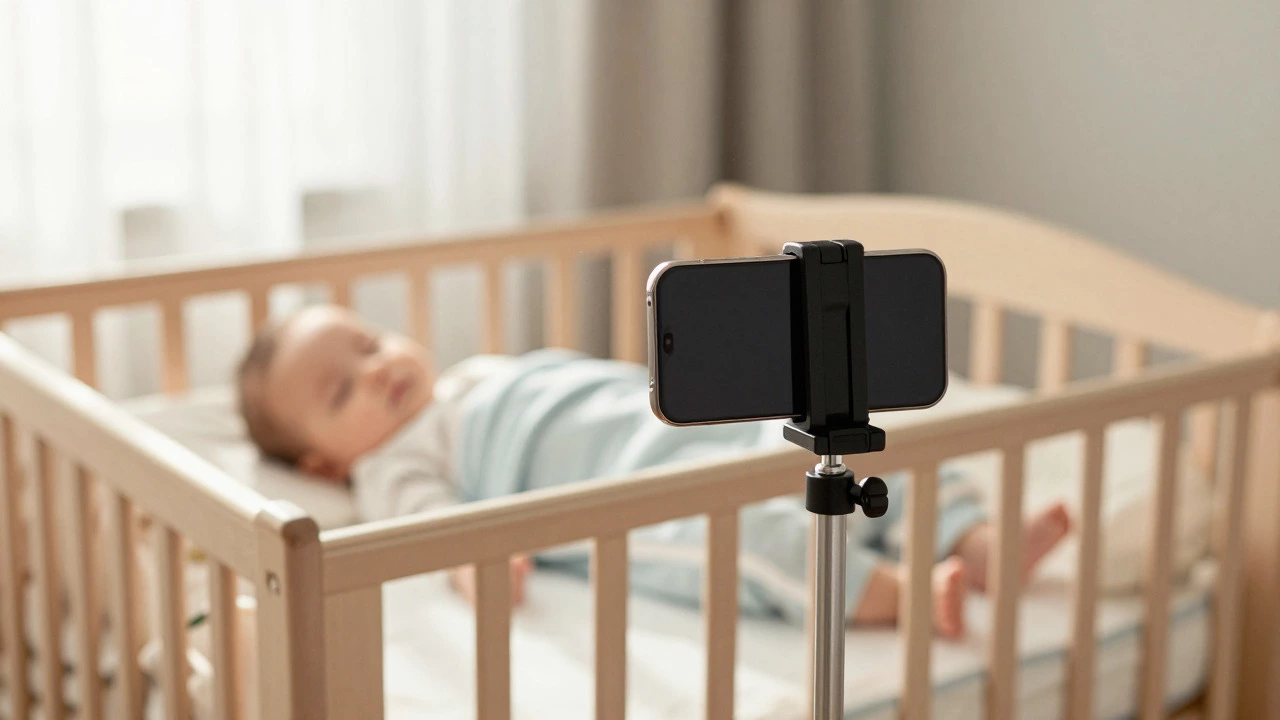
That dusty box in the closet isn’t trash. It’s a fully functional camera, microphone, and speaker system that you already own. Most parents spend $100 to $300 on dedicated baby monitors, but if you have an old smartphone lying around, you can get the same core functionality for free. The short answer is yes: you can absolutely use an old cell phone as a baby monitor. In fact, with the right setup, it might even outperform cheap proprietary units because modern phones have better cameras and processing power than entry-level dedicated monitors.
However, just plugging it in and walking away isn't enough. You need to know which apps work reliably, how to secure the connection so strangers aren't watching your nursery, and how to manage battery heat safely. This guide breaks down exactly how to set this up, the best software options available in 2026, and the safety pitfalls you must avoid.
Why Repurposing a Phone Makes Sense
Dedicated baby monitors often suffer from lag, poor night vision, or subscription fees for cloud storage. An old Android or iPhone bypasses these issues. You are leveraging hardware that was designed for high-definition video calls and photography. The camera sensors in phones released between 2018 and 2024 are significantly sharper than those found in budget monitor brands like Infant Optics or HelloBuddy.
Furthermore, you gain flexibility. A dedicated monitor requires a separate receiver unit. A phone-based solution sends alerts directly to your current device. You can check the feed while cooking, working, or walking around the house without carrying a bulky parent unit. For tech-savvy parents, this integration into existing smart home ecosystems is a major advantage.
Choosing the Right Software
The hardware is useless without the right app. Not all monitoring apps are created equal. Some rely on heavy cloud servers, causing latency (lag), while others create a direct peer-to-peer connection, which is faster and more private. Here are the top three options currently dominating the market:
- Baby Monitor 360: This is widely considered the gold standard for Android-to-Android setups. It creates a local Wi-Fi connection, meaning no internet is required once paired. The video quality is crisp, and it includes features like two-way audio and temperature sensing (if your phone has the sensor). It works well on older devices because it is optimized for low resource usage.
- Manything Baby Monitor: Best for mixed environments (iPhone to Android or vice versa). It uses cloud connectivity, so both phones need an active internet connection. The downside is potential lag if your Wi-Fi is slow, but the upside is universal compatibility and easy remote access when you leave the house.
- FruCam Free Camera: A lightweight alternative that focuses on simplicity. It’s less feature-rich than Baby Monitor 360 but consumes very little battery and data. Good for very old phones that struggle with heavier applications.
Avoid generic "webcam" apps unless they specifically mention motion detection and instant push notifications. Standard webcam software often keeps the screen on constantly, draining batteries and generating heat, whereas dedicated baby monitor apps put the CPU to sleep until movement is detected.
| App Name | Connection Type | Cross-Platform? | Best For |
|---|---|---|---|
| Baby Monitor 360 | Local Wi-Fi (P2P) | No (Android only) | Low latency, privacy-focused users |
| Manything | Cloud-Based | Yes (iOS & Android) | Remote viewing outside the home |
| FruCam | Wi-Fi | Yes | Very old/low-power devices |
Step-by-Step Setup Guide
Setting up your DIY monitor takes about ten minutes. Follow these steps to ensure a stable connection.
- Factory Reset the Old Phone: Wipe the device clean. Remove personal accounts, photos, and apps. This reduces background processes that could cause overheating or unexpected notifications.
- Install the App: Download your chosen app on both the old phone (camera) and your current phone (viewer).
- Connect to Wi-Fi: Ensure both devices are on the same Wi-Fi network. For the best performance, place the old phone near your router or use a Wi-Fi extender if the nursery is far away. 5GHz bands offer faster speeds but shorter range; 2.4GHz offers better wall penetration. Test both to see which provides a stable signal in the nursery.
- Position the Camera: Mount the phone securely. Use a tripod, a stack of books, or a specialized phone mount. Angle it slightly downward toward the crib, ensuring the entire sleeping area is visible. Avoid placing it directly above the crib where it could fall.
- Configure Settings: Enable "Night Mode" or infrared simulation if the app supports it. Set motion sensitivity to "Medium." Too high, and you’ll get alerts for every shadow; too low, and you might miss subtle movements. Turn off the screen brightness on the old phone completely to reduce light pollution in the room.
- Test the Audio: Speak softly near the old phone and listen on your main device. Adjust the volume levels. Two-way talk should be clear without echo.
Safety First: Heat and Power Management
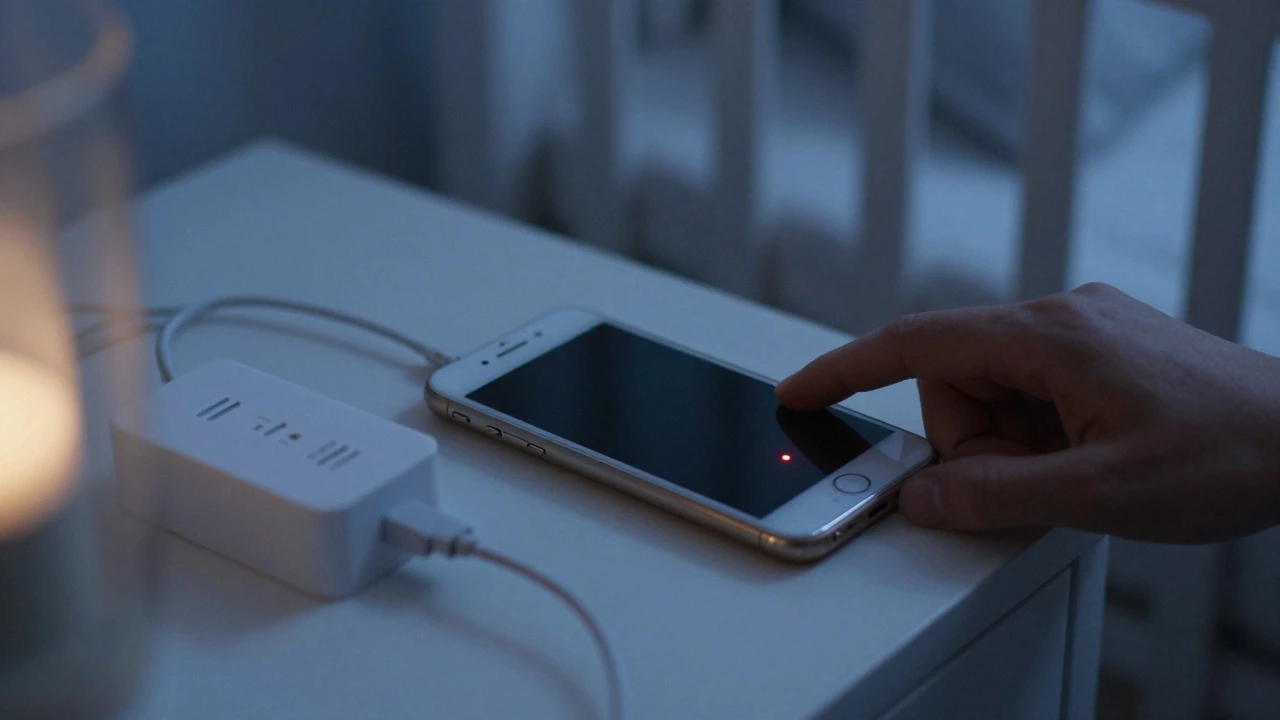
This is the most critical section. An old phone running a camera app 24/7 generates heat. Lithium-ion batteries degrade over time, and older batteries are more prone to swelling or thermal runaway if stressed continuously.
To mitigate fire risks:
- Keep It Plugged In, But Monitor Temperature: While charging is necessary for 24/7 operation, check the back of the phone periodically. If it feels hot to the touch (not just warm), move it away from flammable materials like curtains or bedding.
- Remove the Case: Phone cases trap heat. Strip the old phone down to its bare chassis to allow for passive cooling.
- Use a Surge Protector: Plug the phone into a surge protector rather than directly into the wall outlet. This protects against power spikes that could damage the aging battery.
- Battery Health Check: If your old phone is an iPhone, check Battery Health in settings. If it’s below 80%, consider replacing the battery before using it as a monitor, or accept that it may shut down unexpectedly during cold nights.
Privacy and Security Concerns
Using a consumer-grade app means your video stream is traveling through digital networks. Unlike a closed-circuit analog monitor, there is always a theoretical risk of hacking.
In 2026, most reputable apps use end-to-end encryption. However, you must take additional steps:
- Change Default Passwords: Never use "admin" or "123456." Create a unique, strong password for the monitoring account.
- Update Firmware: Keep the operating system on the old phone updated if possible. Older OS versions have known security vulnerabilities.
- Disable Unnecessary Permissions: Revoke access to contacts, location, and SMS for the monitoring app. It only needs camera, microphone, and Wi-Fi access.
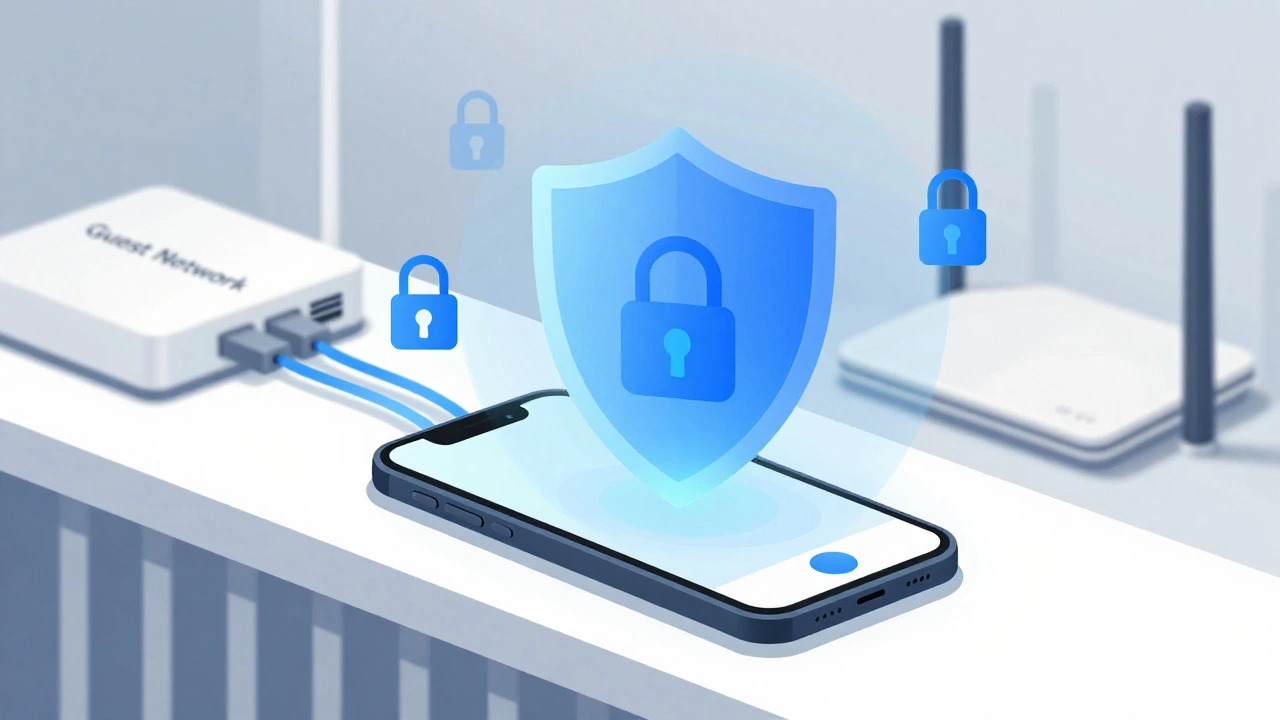
- Use a Guest Network: If your router supports it, connect the baby monitor phone to a "Guest" Wi-Fi network. This isolates it from your main devices (laptops, tablets) containing sensitive financial data.
Limitations to Consider
While cost-effective, this solution isn't perfect. You won't get some advanced features found in premium dedicated monitors like Nanit or Cubo AI, such as AI-driven breathing analysis, cry detection algorithms, or automatic lullabies. The field of view is also fixed by the phone's lens; you cannot pan or tilt remotely unless you buy a motorized phone mount, which adds cost and complexity.
Additionally, reliability depends entirely on your home Wi-Fi. If your internet goes down, a cloud-based app stops working. A local P2P app like Baby Monitor 360 will still work as long as the Wi-Fi router is powered, but if the router crashes, you lose the feed. Dedicated RF (radio frequency) monitors operate on their own independent signal, making them immune to Wi-Fi outages.
When to Buy a Dedicated Monitor Instead
If you live in an area with spotty Wi-Fi, or if you want peace of mind regarding absolute independence from your home network, a traditional RF monitor is safer. Also, if you plan to watch the baby from outside the house frequently, a dedicated monitor with cellular capabilities or a robust cloud backup service might be worth the investment. But for nightly monitoring within the home, the old phone method is highly effective, safe, and free.
Can I use an iPhone as a baby monitor for an Android phone?
Yes, but you need a cross-platform app. Manything Baby Monitor is the best option for this setup. Note that because it relies on cloud servers, you may experience slight lag compared to native Android-to-Android solutions like Baby Monitor 360.
Is it safe to leave an old phone plugged in overnight?
Generally, yes, provided the battery is not swollen or damaged. To maximize safety, remove the phone case to prevent heat buildup, keep it away from flammable materials like curtains, and use a surge protector. Check the phone's temperature occasionally during the first few weeks.
Do I need internet for the baby monitor app to work?
It depends on the app. Local peer-to-peer apps like Baby Monitor 360 only require both phones to be connected to the same Wi-Fi router; they do not need an active internet connection. Cloud-based apps like Manything require an active internet connection on both devices.
Will the old phone drain my home Wi-Fi speed?
Minimal impact. Video streaming uses bandwidth, but most modern routers handle multiple streams easily. If you notice slowdowns, switch the baby monitor phone to the 2.4GHz band (better range, lower bandwidth) and keep other high-bandwidth devices on the 5GHz band.
What if the old phone runs out of battery?
You should keep the old phone plugged into a charger at all times. Most monitoring apps will send a push notification to your main phone if the camera device disconnects or loses power, alerting you immediately.