Children's Reading App Finder
Answer a few questions to find the perfect reading platform for your child.
Fill out the form and click "Find the Best App" to see a recommendation!
Quick Wins: The Best Free Reading Options
- Libby & OverDrive: The gold standard for borrowing ebooks from your local public library.
- Epic! (Free Version): Great for classroom-style reading and massive variety.
- Storyline Online: High-quality celebrity read-alouds that make stories come alive.
- Project Gutenberg: Best for classic literature and public domain tales.
- Worldreader: Focused on global accessibility and literacy.
Turning Your Library Card Into a Digital Powerhouse
If you have a library card, you already own the most powerful reading app in existence. Most people think of libraries as places with dusty shelves, but the modern system is almost entirely digital. Libby is a free app that connects your local library card to a digital catalog of ebooks and audiobooks. When you link your card to Libby, you get instant access to new releases and bestsellers. Instead of paying $12 for a single ebook, you just "borrow" it for two weeks. The app handles the return automatically, so you never pay a late fee. It's a lifesaver for parents of toddlers who go through a specific book phase-like dinosaurs or space-for three weeks and then never want to look at it again.| App/Platform | Best For | Content Type | Cost |
|---|---|---|---|
| Libby | Current Bestsellers | Ebooks & Audio | Free (w/ Library Card) |
| Storyline Online | Engaging Visuals | Videos/Read-alouds | 100% Free |
| Epic! | Educational Variety | Digital Library | Freemium |
| Project Gutenberg | Classics | Plain Text/EPUB | 100% Free |
The Magic of Read-Aloud Apps
Not every child is a confident reader yet, and sometimes you're too tired to read the same story for the tenth time in one hour. This is where read-aloud platforms shine. Storyline Online is a non-profit literacy project where famous actors read children's books with cinematic animations. Unlike a standard audiobook, these are visual experiences. It's not just about the words; it's about the tone and the art. Since it's run by the Literacy Trust, there are no predatory ads or "in-app purchases" popping up every two minutes. It's a safe way to introduce kids to the joy of storytelling without the distractions of typical kid-targeted apps.Exploring Educational Libraries
If you're looking for something that doubles as a learning tool, Epic! is often the first suggestion. It's essentially the "Netflix for kids' books." While they have a paid subscription for full unlimited access, their free tier is still incredibly valuable, especially if your child's teacher has a classroom account. Epic! provides a massive range of non-fiction books. If your kid suddenly decides they are an expert on volcanic eruptions or the history of the Roman Empire, this is where you go. The interface is designed for kids, meaning they can navigate the categories themselves, which encourages independent exploration.
The Appeal of Public Domain Classics
For older children or those starting to read independently, the classics are a goldmine. Project Gutenberg is a volunteer-led digital library offering over 70,000 free ebooks, focusing on older works whose copyright has expired. You can find everything from *Alice's Adventures in Wonderland* to *The Wind in the Willows*. These aren't flashy apps with animations, but they are pure reading experiences. Downloading these as EPUB files means you can put them on a Kindle or a tablet and read them offline, which is perfect for long car trips where Wi-Fi is nonexistent.Avoiding the "Free App" Trap
When you search the app store for "free kids books," you'll find hundreds of options. Be careful. Many of these apps claim to be free but are actually "freemium." They give you two stories for free and then hit you with a $9.99 monthly subscription to unlock the rest. To avoid this, look for apps backed by non-profits, schools, or government entities. If an app asks for a credit card just to "start a free trial," it's usually a sign that the cost will be high later. Stick to the platforms that are transparent about their funding-like libraries and educational trusts-to ensure your child's data is protected and your wallet stays closed.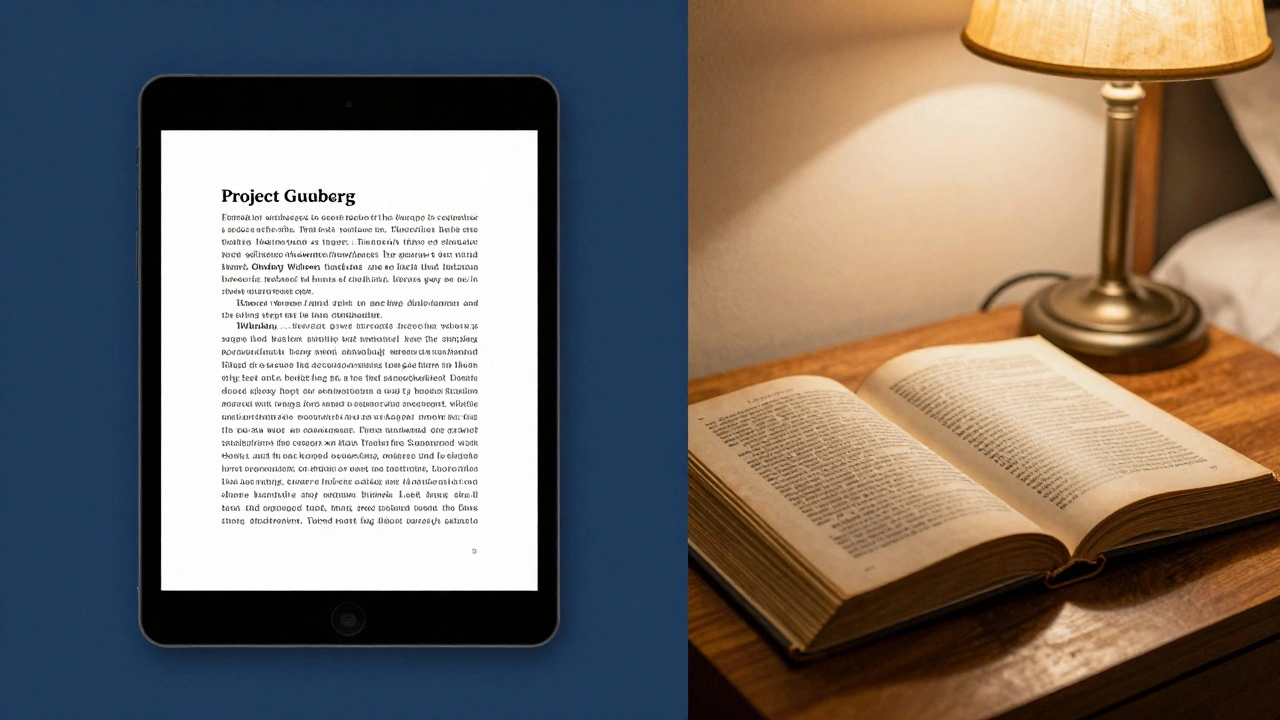
How to Balance Digital and Physical Reading
Digital books are convenient, but they shouldn't totally replace paper. The tactile experience of turning a page and the smell of a book are part of the memory of childhood. Use apps to bridge the gap. If your child loves a digital book on Libby, see if your local library has the physical copy. This creates a transition from the screen back to the page. Try a "digital-to-physical" challenge: read a story on an app during the day, and then find a similar themed physical book for the bedtime routine. This ensures that the tablet doesn't interfere with their sleep hygiene, as the blue light from screens can disrupt melatonin production in young children.Are these free apps safe for children?
Most are, provided you stick to reputable sources like Libby, Storyline Online, or public library apps. These platforms generally don't have targeted advertising or predatory in-app purchases. Always check the privacy settings and use a child-protected profile if the app offers one.
Do I need a credit card to use Libby?
No. All you need is a valid library card from a participating public library. Once you enter your card number and PIN, the app connects directly to your library's digital collection for free.
Can I download these books for offline reading?
Yes, apps like Libby and Project Gutenberg allow you to download content to your device. This is ideal for travel or areas with poor internet connectivity.
What is the difference between Epic! and Storyline Online?
Epic! is a massive digital library with thousands of ebooks and a focus on educational content. Storyline Online is specifically a collection of read-aloud videos where actors read stories, making it more of a visual and auditory experience.
Are there free apps for toddlers who can't read yet?
Absolutely. Storyline Online and the audiobooks available through Libby are perfect for toddlers. They allow children to enjoy the story and imagery without needing to decode words themselves.