Baby Monitor Risk & Suitability Calculator
Your Setup Profile
Select the options that match your current situation to calculate your risk level.
Analysis Result
Complete the profile on the left to see your personalized risk assessment and recommendations.
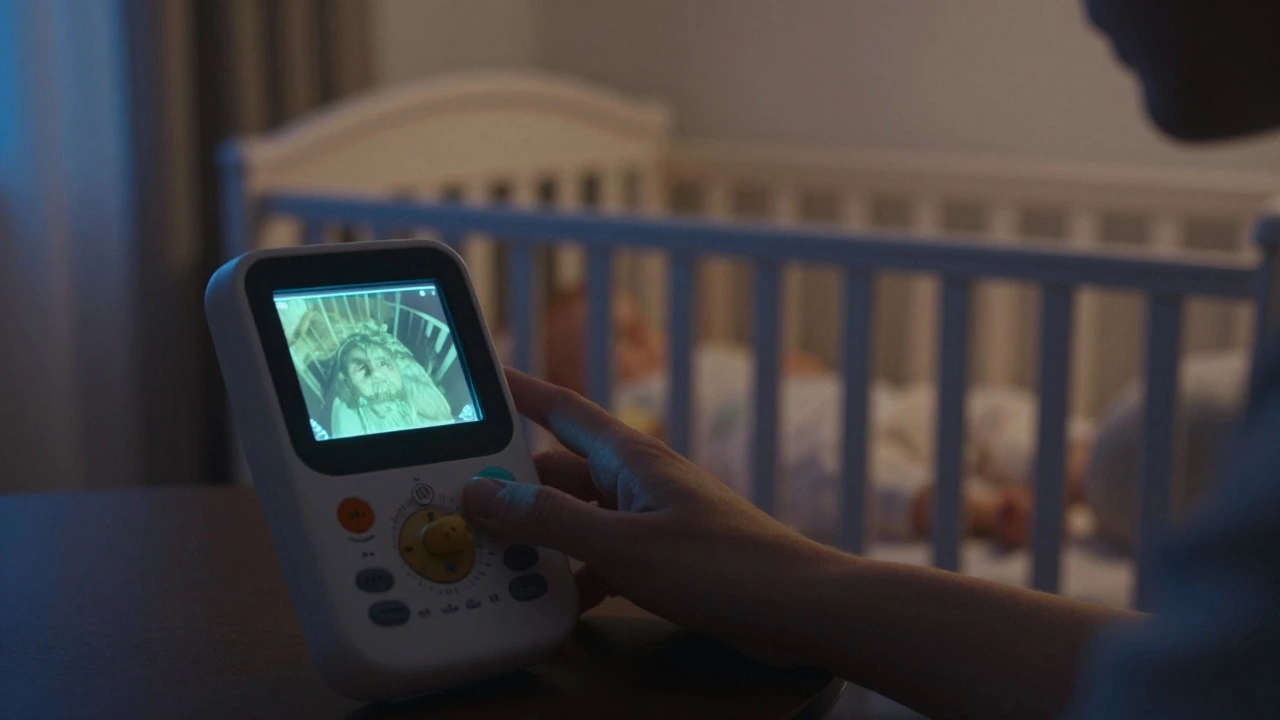
You bought the fancy video monitor. You set it up on the dresser, aimed it at the crib, and felt a wave of relief wash over you. But then you read that thread on Reddit where someone claimed they were spying on your nursery. Or maybe you saw a study about blue light disrupting sleep. Suddenly, that peace of mind feels like a liability. So, why are baby monitors discouraged by some experts and parents?
It’s not because monitoring your child is bad. It’s because reliance on the technology can create false security, introduce new hazards, or simply add unnecessary stress to an already exhausting routine. The debate isn’t really about whether to watch your baby; it’s about how much control you’re handing over to a device versus trusting your instincts and your environment.
The False Sense of Security Trap
Here is the biggest reason experts sometimes push back against monitors: they can make you feel safe when you aren’t. A baby monitor gives you audio or visual data, but it doesn’t give you physical presence. If your baby chokes, has a seizure, or gets tangled in loose bedding, a screen won’t save them. Only immediate human intervention will.
Consider this scenario: You hear a weird noise on the monitor. Is it a cry? A gurgle? Static? You spend ten minutes staring at the grainy night-vision footage, trying to decipher if your child is in distress. Meanwhile, your own anxiety spikes. Your heart rate goes up. You release cortisol. Then you realize it was just the fan kicking on. Now you’re stressed, awake, and less rested than if you had just walked into the room to check.
Monitors can also delay response times in critical situations. If you’re downstairs watching TV and the monitor starts screaming, there’s a lag between hearing the alert, processing it, and getting to the room. In contrast, if you share a room with your baby (which many pediatricians recommend for the first six months), you wake up instantly to their distress signals. No battery life issues, no Wi-Fi dropouts, no signal interference.
Privacy Nightmares and Data Breaches
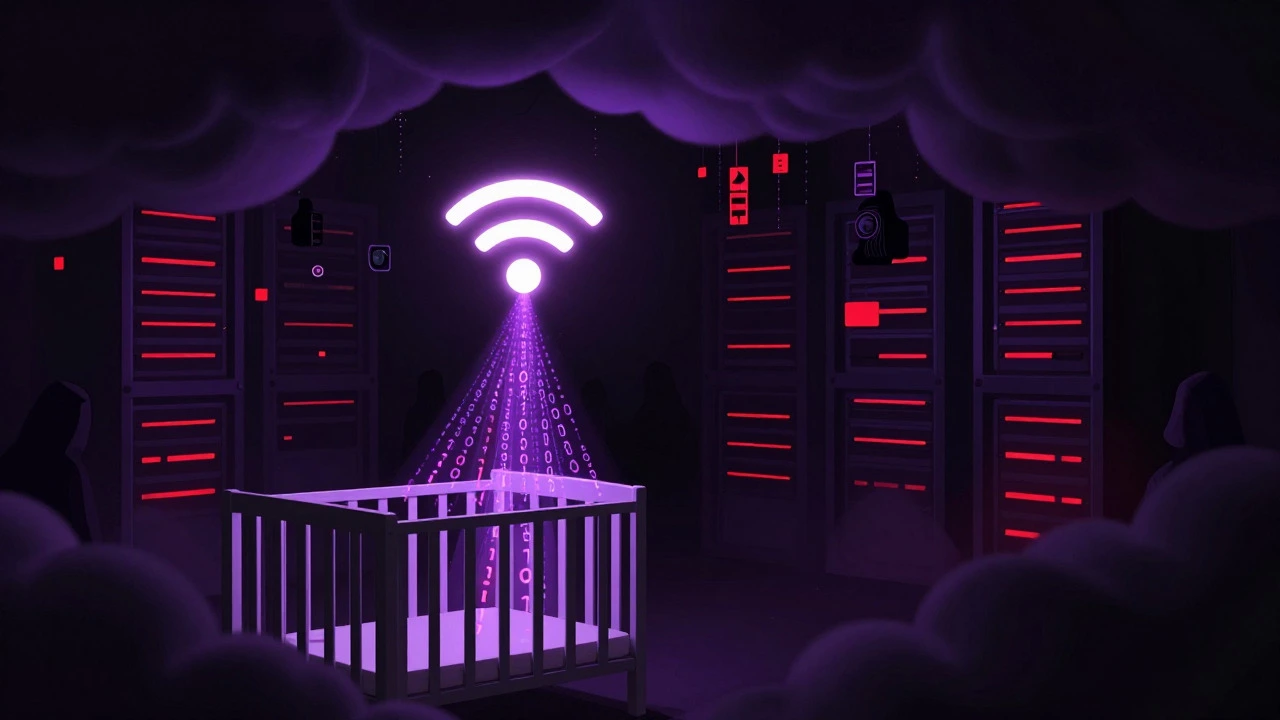
If you’re using a smart Wi-Fi camera, you’re not just buying a monitor; you’re buying a connected IoT device that streams video from your most private space to a cloud server somewhere else. This is where the "discouraged" argument gets serious. Hackers don’t need to be sophisticated masterminds to exploit cheap, poorly secured baby cameras.
We’ve seen countless cases where default passwords weren’t changed, allowing strangers to view live feeds of nurseries worldwide. It’s not hypothetical. In 2019, a major brand recalled millions of units after discovering a vulnerability that allowed unauthorized access. Even if your specific brand is secure today, what about tomorrow? What about the day their support servers shut down?
- Data Retention: Where does the video go? Who owns it? Can it be subpoenaed?
- Firmware Updates: Does the manufacturer still patch security holes for models released three years ago?
- Third-Party Apps: Many monitors require apps that request excessive permissions on your phone, potentially exposing other personal data.
For families who value privacy, the risk isn’t worth the convenience. A non-WiFi, dedicated frequency monitor stays local. No cloud, no app, no hacker. But even those have limitations.
Sleep Disruption: For Baby and Parent
Babies need deep, uninterrupted sleep to grow and develop. Parents need deep, uninterrupted sleep to function. Monitors often sabotage both.
First, there’s the issue of light. Video monitors emit light. Even the tiny LED indicator on the parent unit can disrupt melatonin production if placed too close to your bed. More importantly, the act of constantly checking the monitor keeps your brain in a state of hyper-vigilance. You’re not resting; you’re on guard duty. This chronic low-level stress impacts your mental health and ability to care for your child during the day.
Then there’s the baby. Some parents use monitors to soothe their infants remotely, talking through the speaker to calm them down. While well-intentioned, this can interfere with the baby’s ability to self-soothe. If every whimper results in a voice from the ceiling, the baby never learns to settle back to sleep independently. Over time, this creates a dependency loop where the baby expects external intervention for every minor discomfort.
Technical Failures and Environmental Hazards
Technology fails. Batteries die. Signals drop. Interference happens. Have you ever been halfway to the nursery, heart pounding, only to find the monitor dead? That panic is real. Relying on a device that requires charging, updating, or troubleshooting adds a layer of complexity to nighttime parenting.
There’s also the physical setup. Cables. Power strips. Extra electronics near the crib. The American Academy of Pediatrics (AAP) warns against any loose objects in the sleep environment due to suffocation and strangulation risks. A dangling power cord from a monitor mounted too close to the crib is a genuine hazard. Even if you think you’ve tucked it away safely, babies move unpredictably. One tug, one roll, and a cable becomes a danger.
| Type | Key Risk | Mitigation |
|---|---|---|
| Wi-Fi Smart Camera | Hacking, Data Privacy | Use strong unique passwords, disable cloud storage, keep firmware updated |
| Dedicated Frequency (DECT) | Signal Range Limits | Test range thoroughly, avoid metal obstructions |
| Audio-Only | Misinterpretation of Sounds | Combine with regular physical checks |
| No Monitor | Delayed Response to Distress | Room-sharing, open door policy |
When Monitors Are Actually Helpful
Let’s be fair. Monitors aren’t evil. They serve a purpose. If you live in a large house, have mobility issues, or work nights, a monitor can be a lifeline. The key is choosing the right tool for your specific situation.
For example, if you’re recovering from surgery and can’t easily walk upstairs, a reliable DECT monitor allows you to rest while staying aware. If you have multiple children and need to know who is crying without running up and down stairs, audio clarity matters more than video. The problem arises when we treat monitors as a substitute for parental presence rather than a supplement.
Also, consider the age of your child. Newborns benefit most from room-sharing. As they grow older and become more mobile, the need for constant surveillance decreases. By toddlerhood, many parents find monitors less useful and more of a nuisance.
Safer Alternatives to Constant Monitoring
If you’re worried about giving up the monitor entirely, try these alternatives:
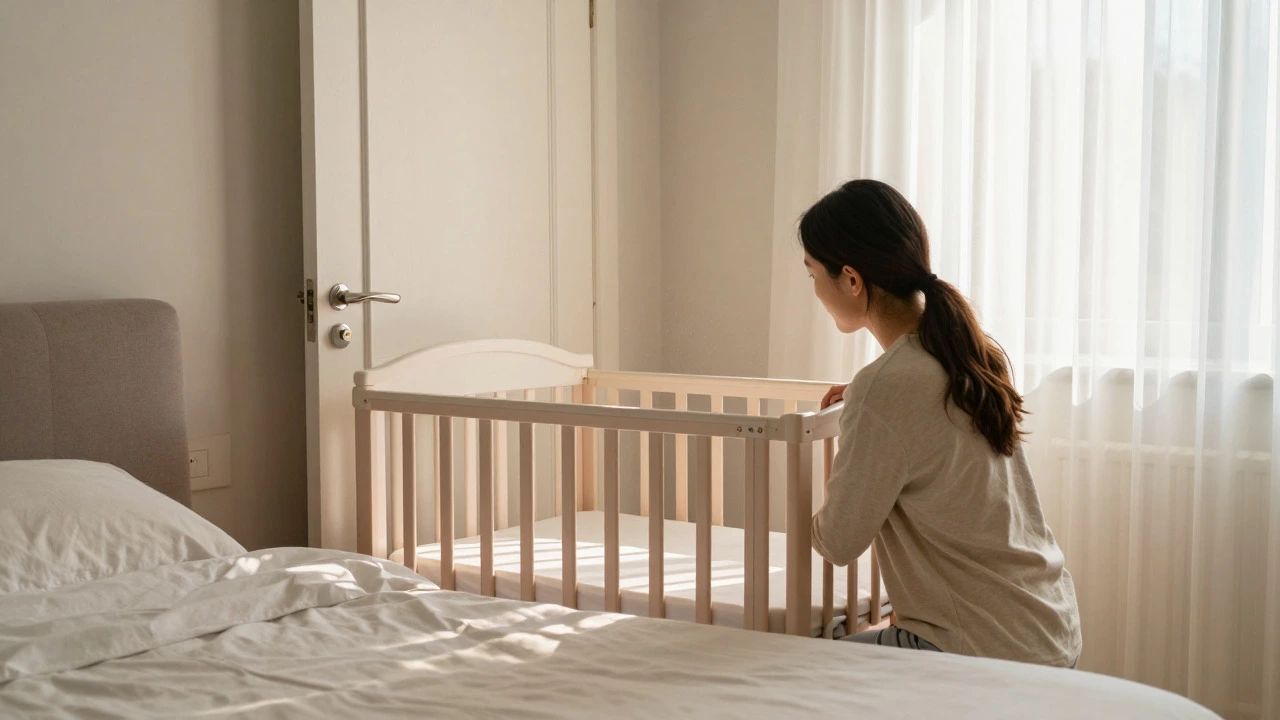
- Room-Sharing: Place the crib in your bedroom for the first 6-12 months. This is the #1 recommendation from the AAP to reduce SIDS risk. You’ll hear them immediately without needing a device.
- Open Door Policy: Keep the nursery door open. Sound travels better, and you can visually check without entering the room fully.
- Regular Checks: Set a timer to check on your baby every 30-60 minutes during naps. This builds confidence without creating dependency on technology.
- Smart Plugs with Lights: Use a dimmable nightlight controlled by a smart plug. You can turn it on remotely to see if your baby is awake without turning on bright lights or using a camera.
These methods prioritize direct observation and environmental safety over digital mediation. They cost nothing, hack nothing, and fail nothing.
How to Choose If You Still Want One
If you decide a monitor is necessary for your peace of mind, follow these rules to minimize risks:
- Avoid Wi-Fi if Possible: Stick to dedicated frequency (DECT) monitors that don’t connect to the internet. They’re harder to hack and have clearer audio.
- Check the Range: Test the monitor in your actual home layout. Walls, microwaves, and Bluetooth devices can interfere with signals.
- Secure the Setup: Mount the camera high and away from the crib. Secure all cables. Never place the parent unit within reach of the baby.
- Limit Screen Time: Don’t stare at the monitor all day. Use it for alerts, not entertainment. Turn off the video feed when not actively listening.
- Update Firmware: If you must use a smart monitor, enable automatic updates and change default passwords immediately.
Are baby monitors dangerous for babies?
Baby monitors themselves are not inherently dangerous, but improper use can pose risks. These include electromagnetic field exposure (though levels are generally considered safe), physical hazards from cords near the crib, and potential delays in responding to emergencies if parents rely solely on the device instead of being physically present. Always follow AAP guidelines for safe sleep environments.
Can hackers access my baby monitor?
Yes, especially if you use a Wi-Fi-enabled smart camera with weak security settings. Hackers can exploit default passwords, unpatched software vulnerabilities, or insecure networks to view live feeds. To prevent this, use strong unique passwords, keep firmware updated, and consider non-WiFi DECT monitors which do not connect to the internet.
Do doctors recommend baby monitors?
Doctors do not universally recommend baby monitors. The American Academy of Pediatrics emphasizes room-sharing and safe sleep practices over technological solutions. However, many pediatricians acknowledge that monitors can provide peace of mind for parents, provided they are used correctly and do not replace direct supervision or safe sleep habits.
Is it better to have a video or audio monitor?
Audio-only monitors are often preferred by experts because they are simpler, cheaper, and less likely to cause parental anxiety from misinterpreting visual cues. Video monitors offer visual confirmation but can lead to obsessive checking and raise higher privacy concerns. Choose based on your need for visual reassurance versus simplicity and security.
At what age should I stop using a baby monitor?
There is no strict age limit, but many parents stop using monitors when their child becomes a toddler (around 18-24 months) and can communicate needs verbally. If your child is sleeping in their own room, you may continue using it until they are old enough to call out or come to you if distressed. Ultimately, it depends on your comfort level and household layout.