Baby Monitor Decision Helper
Answer a few questions about your situation to get personalized recommendations for using your baby monitor safely overnight.
Step 1: What type of monitor do you have?
Audio Monitor
Sound-only alerts
Video Monitor
Camera with screen/app
Step 2: Where does your baby sleep?
Step 3: Security Setup Check
Check the security measures you've implemented for your monitor:
Step 4: Power & Battery Concerns
Personalized Tips:
Security Score: /4
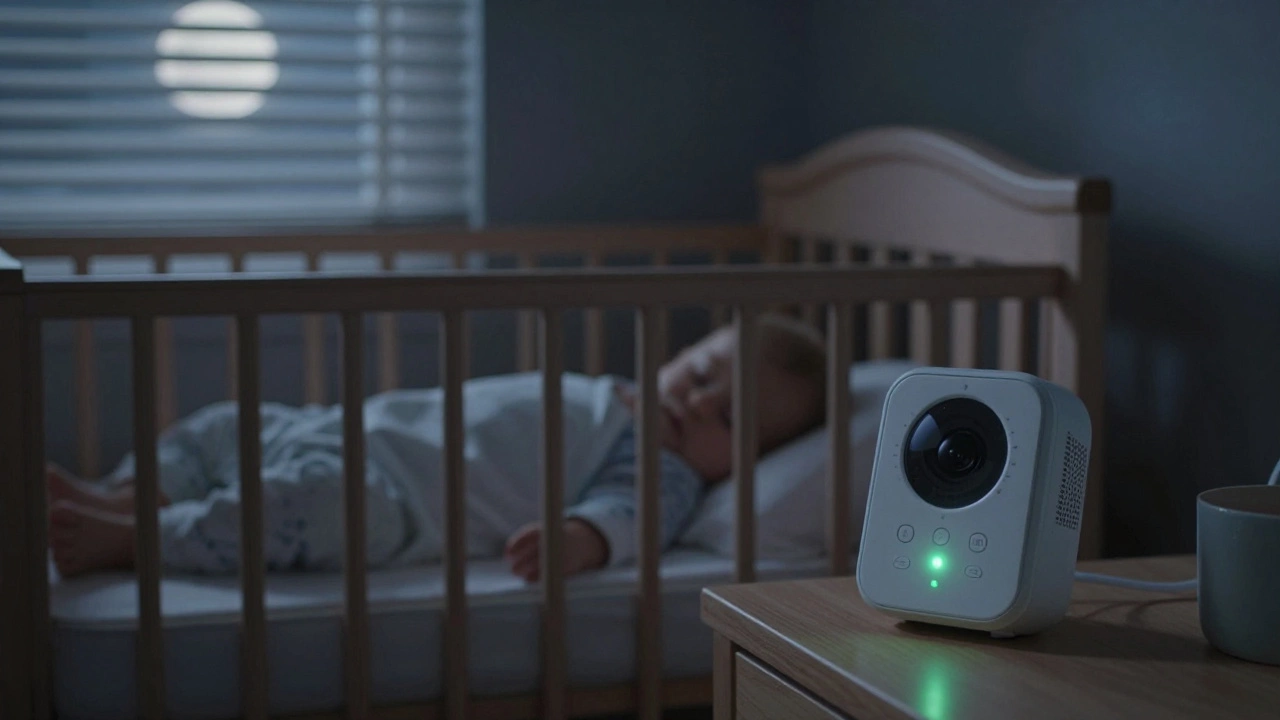
It’s 3 AM. The house is silent except for the soft hum of the baby monitor. You’re staring at it, wondering if you should have turned it off an hour ago. Does it drain the battery? Is it bad for your baby? Or worse-is it a security risk?
This question keeps new parents awake more than the crying does. The short answer is: yes, you should almost always leave your baby monitor on all night. But there are important details about placement, privacy, and power that change how you use it.
Why Leaving the Monitor On Is Usually the Best Choice
You didn’t buy a infant monitoring system to turn it off when things get quiet. Its primary job is to give you peace of mind while you sleep in another room. If you turn it off, you lose that safety net.
Consider this scenario: Your baby starts coughing or fussing softly. Without the monitor, you might not hear it until they wake up fully. With the monitor on, you can intervene early-maybe just patting them back to sleep without going into their room. This helps both of you rest better.
- Safety first: Monitors detect distress signals like unusual breathing patterns (on advanced models) or sudden noise spikes.
- Better sleep for you: Knowing you’ll hear your baby reduces anxiety, which actually helps you fall asleep faster.
- No need to guess: Instead of creeping down the hallway every 45 minutes, let the device do the work.
The only time you might consider turning it off is during daytime naps if you’re sitting right next to the crib. Even then, many parents prefer keeping it on for hands-free convenience.
Audio vs. Video Monitors: What Should You Choose?
| Feature | Audio Monitor | Video Monitor |
|---|---|---|
| Battery Life | Longer (often 10-18 hours) | Shorter (6-12 hours with screen on) |
| Privacy Risk | Lower (no camera feed) | Higher (requires secure Wi-Fi) |
| Cost | Cheaper (£30-£80) | More expensive (£80-£250+) |
| Use Case | Simple sound alerts | Visual checks, two-way talk |
If you’re worried about leaving a device on all night, an audio baby monitor might be your best bet. They use less power, have fewer privacy concerns, and are simpler to operate. Brands like Nanit or Owlet offer smart features, but basic audio units from companies like VTech or Infant Optics still dominate the market for reliability.
Video monitors add visual reassurance but come with trade-offs. You’ll need to manage app settings, ensure strong Wi-Fi, and worry about potential hacking risks. We’ll cover those next.
Privacy and Security: Protecting Your Family Online
Leaving a Wi-Fi-connected smart baby monitor on all night raises valid privacy concerns. In 2023, researchers found that over 30% of baby cameras had weak default passwords. While most major brands now require strong encryption, you still need to take steps to protect your home.
- Change default passwords: Never leave the factory password. Use a unique mix of letters, numbers, and symbols.
- Enable two-factor authentication (2FA): Most apps like Cocoon Cam or Eufy Security support this feature.
- Keep firmware updated: Manufacturers release patches for vulnerabilities. Check for updates monthly.
- Use a separate Wi-Fi network: If possible, create a guest network just for IoT devices like monitors and smart plugs.
For maximum privacy, consider a closed-circuit TV (CCTV) baby monitor that doesn’t connect to the internet. These send signals directly from the camera to your parent unit via RF (radio frequency). No cloud storage means no remote access-but also no viewing from your phone while away from home.
Battery Life and Power Management
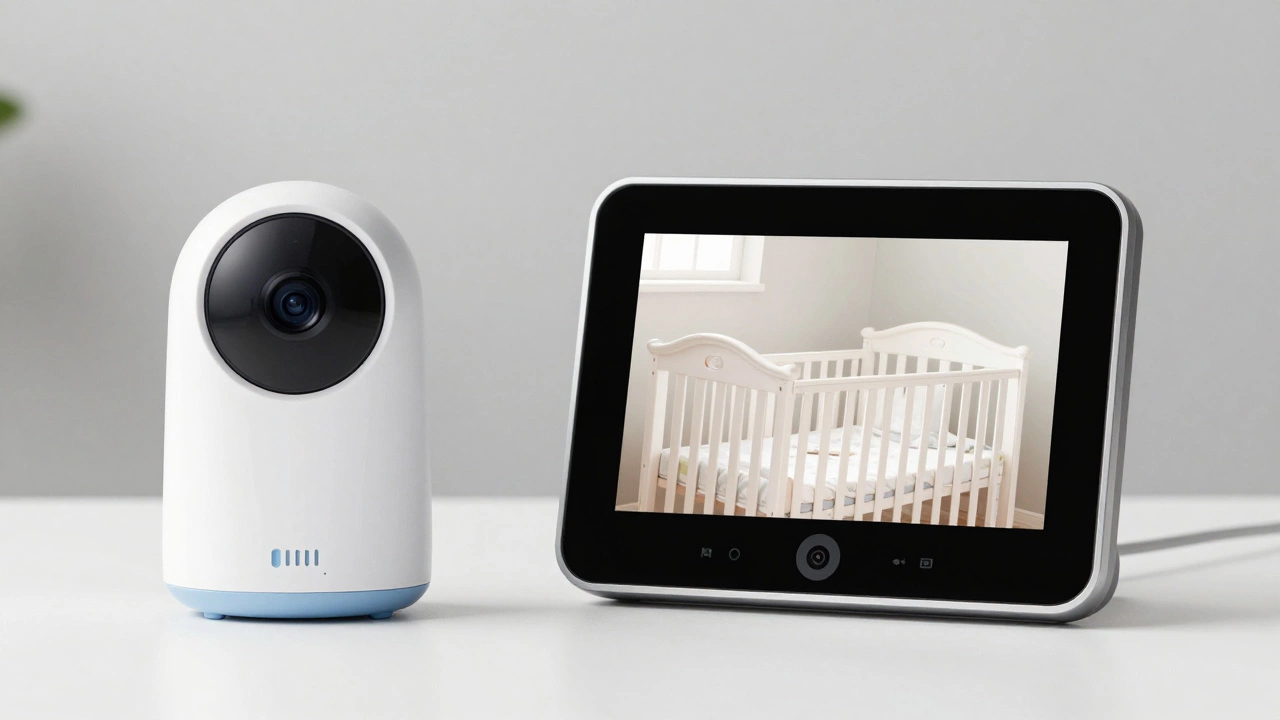
One common fear is that leaving the monitor on will kill the battery by morning. Here’s how to handle it:
- Plug it in overnight: Most parent units charge while displaying. Keep the charging cable handy.
- Reduce screen brightness: Lowering the display intensity extends battery life significantly.
- Turn off motion activation during deep sleep: Some monitors conserve power by sleeping when no movement is detected. Disable this if you want constant vigilance.
- Check battery health quarterly: Lithium-ion batteries degrade over time. Replace them every 2-3 years for optimal performance.
If you’re using a rechargeable portable baby monitor, aim to keep it plugged in between uses. Constant cycling between full discharge and charge wears out batteries faster than maintaining a steady level.
Placement Matters: Where to Put the Camera
Even the best HD baby camera won’t help if it’s positioned poorly. Follow these guidelines:
- Mount at eye level: Hang the camera 2-3 feet above the crib so you can see your baby’s face clearly.
- Avoid direct sunlight: Sun glare can blind the lens and cause overheating.
- Keep away from cords: Ensure no cables dangle near the crib where your baby could reach them.
- Test the angle: Make sure the entire crib fits within the frame. Adjust before bedtime.
Some newer models, like the HelloBabi or Motorola MBP36XL, include wide-angle lenses and pan-tilt-zoom functions. Use these to customize your view without moving the physical unit.
When It’s Okay to Turn Off the Monitor
There are rare situations where turning off the baby monitor makes sense:
- Baby is sleeping in your room: If you’re sharing a bedroom, you don’t need the extra layer of monitoring.
- Device malfunction: If the screen flickers or audio cuts out, unplug it and troubleshoot rather than relying on faulty data.
- Traveling: When staying in hotels or relatives’ homes, rely on natural hearing unless you brought a portable unit.
In all other cases, keep it running. Consistency builds routine-for both you and your baby.
Frequently Asked Questions
Is it safe to leave a baby monitor on all night?
Yes, it is generally safe. Modern baby monitors are designed for continuous operation. Just ensure proper ventilation around the device and avoid placing it too close to the crib.
Do baby monitors emit harmful radiation?
Baby monitors emit low levels of non-ionizing radiation, similar to Wi-Fi routers or cell phones. Regulatory bodies like the FCC and Ofcom confirm these levels are well below safety thresholds for human exposure.
Can hackers access my baby monitor?
It’s possible but unlikely if you follow security best practices. Always update firmware, use strong passwords, enable 2FA, and isolate IoT devices on a separate network.
How long does a baby monitor battery last?
Battery life varies by model. Audio-only monitors typically last 10-18 hours on a single charge. Video monitors with screens may last 6-12 hours depending on brightness and usage.
Should I use a Wi-Fi baby monitor or a traditional one?
Wi-Fi monitors offer remote viewing and smart features but require robust security. Traditional RF monitors provide greater privacy and longer battery life but lack connectivity options. Choose based on your priorities.