
Baby Monitor Placement Simulator
(Far)
(Wi-Fi)
Placement Analysis
- Move the monitor to see analysis...
You bought the high-tech baby monitor with night vision, temperature sensors, and two-way talk. You set it up on the dresser, hit record, and walked out. Then you noticed the video is blurry, the audio is muffled by your own breathing, or worse-the connection drops every time you walk past the hallway closet. Frustrating, right? It’s not just about plugging it in; it’s about physics, line of sight, and safety regulations.
Placing a baby monitor incorrectly can lead to missed cues, false alarms, or even safety hazards if cords are left dangling. Getting the placement right ensures you get a clear view of your child’s breathing patterns, accurate room temperature readings, and reliable audio without interference from household electronics.
The Golden Rule: Line of Sight and Height
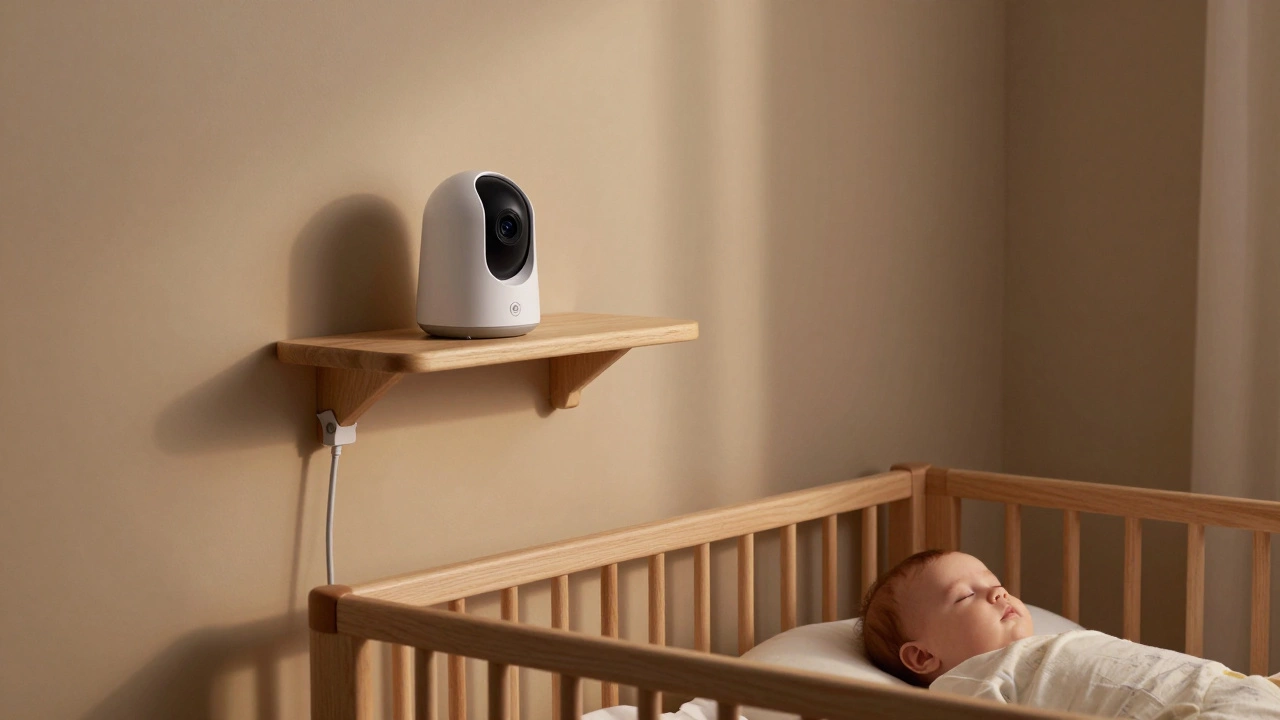
The most critical factor in baby monitor placement is ensuring the camera has an unobstructed view of the crib. Think of the camera like a pair of eyes. If those eyes are blocked by a wall, a changing table, or even a large plant, you aren’t seeing the full picture.
Aim to place the unit at eye level with the baby when they are lying down, or slightly above. This angle provides the best perspective for observing chest rise and fall, which is crucial for checking on breathing during sleep. Avoid placing the monitor directly behind the crib headboard if the design blocks the lens. Instead, try the corner of the room diagonally opposite the crib. This position usually offers the widest field of view, allowing you to see the entire sleeping area, including any playpens or co-sleeping arrangements.
- Diagonal Corner: Best for wide-angle views and minimizing blind spots.
- Eye Level: Ideal for monitoring breathing and facial expressions.
- Avoid Direct Overhead: Unless the camera is designed for ceiling mounting, overhead angles can distort features and make it hard to judge depth.
Distance Matters: How Far Is Too Far?
Most parents worry about the monitor being too close, but distance plays a huge role in image quality and signal strength. The ideal distance is typically between 3 to 6 feet from the crib.
If the monitor is too close (under 2 feet), the lens may struggle to focus, resulting in a blurry image. More importantly, some monitors have a minimum focal length that makes close-up shots look distorted. On the flip side, placing it too far away reduces the resolution of fine details. You might miss subtle signs of discomfort, like a scratchy cheek or a tangled blanket, because the pixels are spread too thin across the screen.
For audio-only monitors, distance is less critical for clarity but vital for context. Placing the audio sensor too close to the baby means you’ll hear every tiny rustle of their clothes as a loud noise, potentially waking you up unnecessarily. A moderate distance helps filter out minor movements while still capturing cries or coughs clearly.
Safety First: Cord Management and Fall Risks
This is non-negotiable. The Consumer Product Safety Commission (CPSC) and pediatricians strongly advise against having any cords within reach of the crib. Even if your baby isn’t crawling yet, they can roll, reach, or pull themselves up sooner than expected.
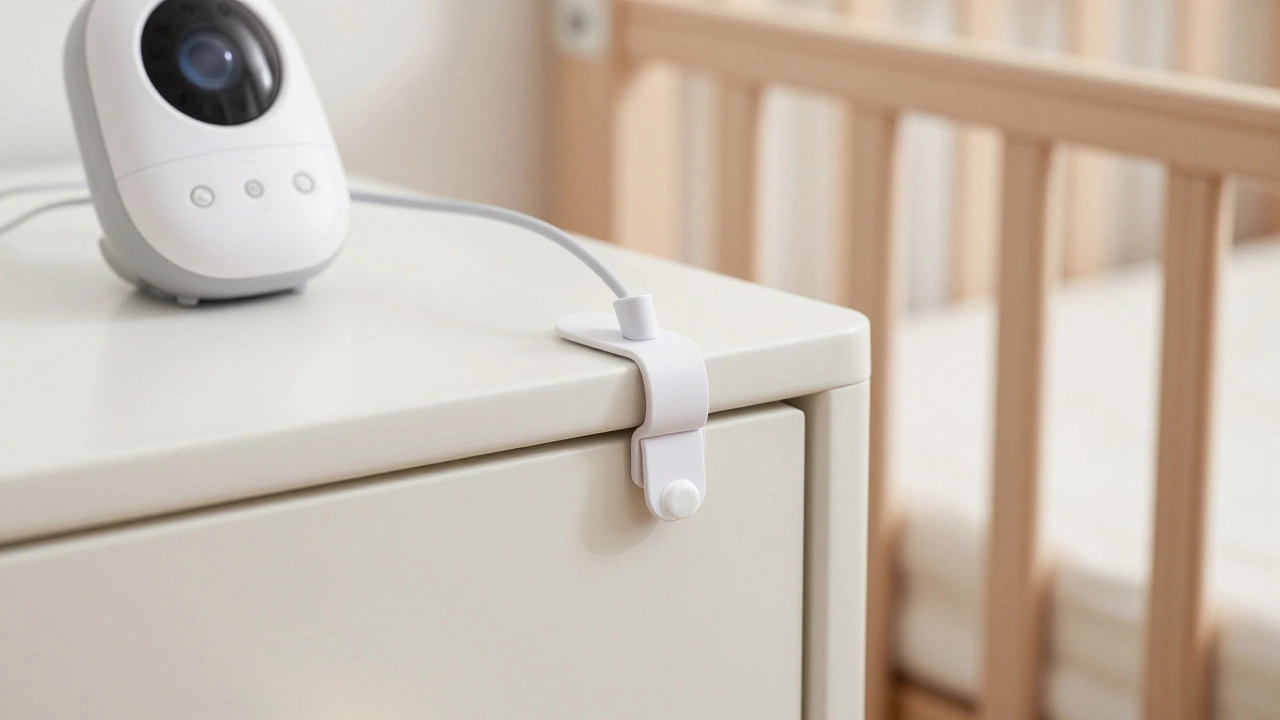
Never place the monitor on the crib rail, mattress, or bumper pads. These surfaces are unstable, and the device can fall on the baby. Additionally, ensure the power cord is secured and routed away from the crib. Use cable clips or ties to keep the cord flush against the wall or furniture leg. If the monitor needs to be on a shelf near the crib, ensure the shelf is sturdy and anchored to the wall, and that the cord does not dangle down into the crib area.
| Location Type | Safety Risk | Signal/View Quality |
|---|---|---|
| Crib Rail or Mattress | High (Fall hazard, strangulation) | Poor (Unstable, obstructed) |
| Corner Shelf (Anchored) | Low (If cords managed) | Excellent (Wide view) |
| Dresser Top (Far Side) | Medium (Cord risk if long) | Good (Stable base) |
| Behind Heavy Furniture | Low | Poor (Signal blockage) |
Signal Interference: Where Electronics Hide
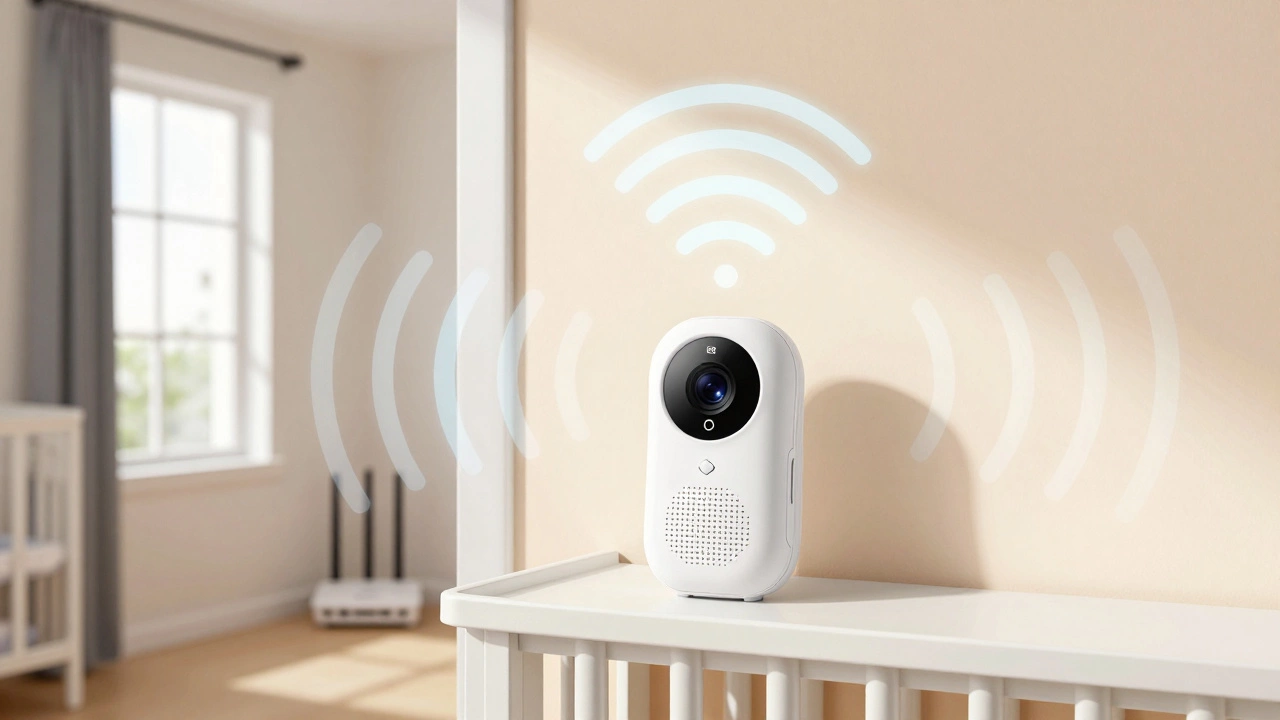
Your home is filled with wireless signals. Wi-Fi routers, microwaves, Bluetooth speakers, and even other baby monitors operate on similar frequencies (often 2.4GHz). Placing your monitor next to these devices can cause static, pixelation, or dropped connections.
Keep the monitor unit at least 3-5 feet away from major electronic hubs. If you notice interference, try moving the monitor closer to the receiver (parent unit) or changing the channel/frequency if your model allows manual adjustment. For Wi-Fi-based smart monitors, ensure the nursery has strong cellular or Wi-Fi coverage. Thick walls, especially those made of concrete or brick, can significantly degrade signal strength. In such cases, consider using a mesh Wi-Fi extender or placing the router closer to the nursery door.
Temperature Sensors: Don’t Skew the Data
Many modern monitors include temperature and humidity sensors. To get accurate readings, the monitor must not be placed in direct sunlight, near a heating vent, or next to an air conditioning unit. Sunlight can heat the plastic casing, giving you a falsely high room temperature reading. Conversely, a draft from a window can make the room seem colder than it is.
Place the monitor in a neutral spot within the room, away from external environmental influences. This ensures that the alerts you receive about the room being too hot or too cold are actually reflective of the air your baby is breathing, not just the air around the device itself.
Privacy and Lighting Considerations
Night vision is a lifesaver, but it works best in complete darkness. Avoid pointing the monitor directly at windows where streetlights or car headlights might shine through. This glare can wash out the infrared LEDs, making the screen appear white or foggy. Use blackout curtains to control ambient light.
Also, consider privacy. If you have a nanny cam feature or share access with grandparents, ensure the camera angle doesn’t capture sensitive areas of the house outside the nursery, such as open doors leading to hallways or bathrooms. While this seems obvious, wide-angle lenses can sometimes reveal more than intended.
Audio-Only Monitors: Strategic Placement
If you’re using an audio-only monitor, placement is about acoustics rather than optics. Place the unit on a stable surface near the crib, but not directly touching it, to avoid transmitting vibrations from the bed frame. Avoid placing it inside a closet or drawer, as this muffles sound. A central location in the room, elevated on a shelf or dresser, usually provides the best balance of hearing the baby clearly without picking up excessive background noise from the rest of the house.
Can I put my baby monitor on the crib?
No, never place a baby monitor on the crib rails, mattress, or bumpers. It poses a serious fall hazard and strangulation risk if cords are involved. Always place it on a stable, flat surface nearby, such as a dresser or shelf, ensuring all cords are secured and out of reach.
How far should the baby monitor be from the crib?
The ideal distance is between 3 to 6 feet from the crib. This range provides a clear, focused image without distortion and allows for accurate observation of breathing and movement. Closer than 2 feet may result in blurriness, while farther away may reduce detail resolution.
Why is my baby monitor showing a blurry image?
Blurry images are often caused by incorrect distance (too close or too far), low battery levels affecting performance, or obstructions like dust on the lens. Ensure the monitor is 3-6 feet away, clean the lens gently, and check that the focus settings are adjusted correctly for your specific model.
Does the baby monitor need to be plugged in?
Yes, most baby monitors require a constant power source for continuous operation. While many have backup batteries for short-term use, relying solely on batteries can lead to unexpected shutdowns. Always plug the unit into a grounded outlet and secure the cord safely away from the crib.
Can Wi-Fi interfere with my baby monitor?
Yes, especially if both devices operate on the 2.4GHz frequency. Microwaves, cordless phones, and Wi-Fi routers can cause static or signal dropouts. Keep the monitor at least 3-5 feet away from these devices. For Wi-Fi monitors, ensure strong signal strength in the nursery to prevent disconnections.